Creating Glitch Art with Max MSP
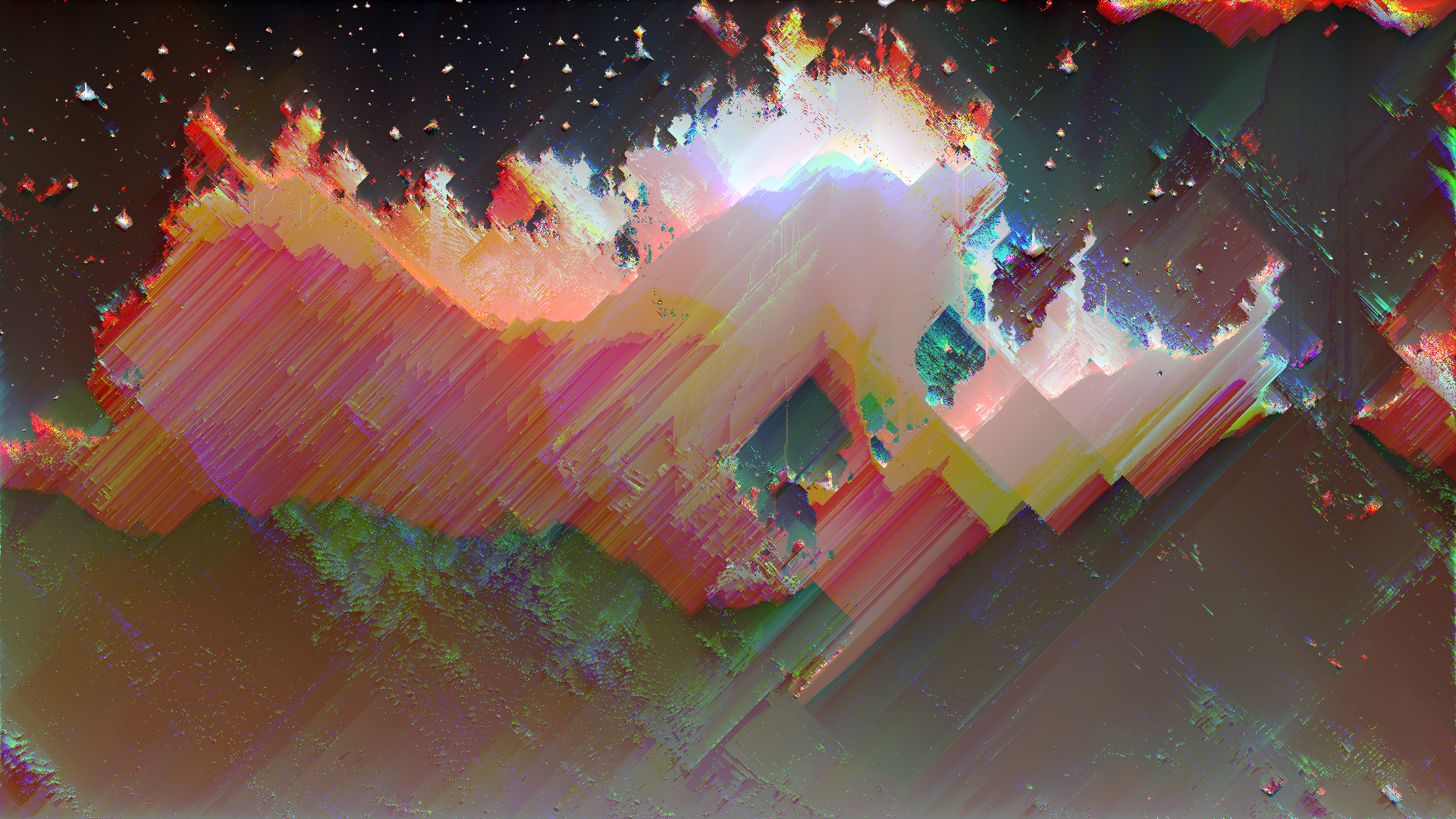
Max MSP (commonly just “Max”) is a visual programming environment developed by Cycling ‘74 for building interactive audio, video, and multimedia systems. It shares its DNA with Pure Data — both were created by Miller Puckette — but Max is a commercial product with a polished interface, built-in video processing through Jitter, comprehensive documentation, and tight integration with Ableton Live. For glitch artists, Max’s combination of real-time audio processing (MSP), video manipulation (Jitter), and hardware interfacing makes it one of the most powerful platforms for audio-visual glitch performance and installation work.
Max, MSP, and Jitter
Max is actually three integrated systems:
- Max: The core visual programming environment — event scheduling, data routing, logic, and control flow.
- MSP: The audio signal processing layer — real-time synthesis, effects, and analysis. Objects are identified by the
~suffix (e.g.,cycle~,adc~). - Jitter: The video and matrix processing layer — real-time video effects, 3D rendering, and pixel manipulation. Objects are prefixed with
jit.(e.g.,jit.grab,jit.gl.videoplane).
For glitch art, MSP provides the audio analysis and generation, while Jitter handles the visual output. Max ties them together into a unified system.
Jitter for Video Glitch
Jitter processes video as matrices — 2D arrays of numbers that represent pixel data. Every Jitter operation works on these matrices, which means you can apply mathematical operations directly to pixel values.
Core Jitter Objects for Glitch
jit.wake: Adds a trailing feedback effect to video, creating motion smearing and ghosting. The blend parameter controls how quickly previous frames decay — at high values, movement leaves persistent trails that accumulate into glitch textures.jit.slide: Smooths transitions between pixel values over time. At extreme settings, creates smearing where bright or dark pixels bleed outward.jit.op: Performs mathematical operations on matrices — add, subtract, multiply, modulo, bitwise operations.jit.op @op %with a changing operand creates rhythmic banding and posterization. Bitwise operations (& | ^) create digital-feeling pattern interference.jit.rota: Rotates and scales the image with subpixel precision. Modulate rotation and zoom rapidly for disorienting spin-glitch effects.jit.repos: Repositions pixels based on a displacement map — feed it noise or audio-driven patterns for spatial distortion.jit.scanwrap: Offsets scanlines, creating the horizontal displacement characteristic of analog VHS effects and sync errors.jit.plur: Pixelates by grouping pixel blocks — animate the block size for pulsing macroblocking effects.jit.robcross: Edge detection that, at extreme settings, reduces the image to harsh outlines and digital artifacts.jit.dimmap: Rearranges the dimensions of a matrix — can flip, mirror, or scramble the spatial arrangement of pixel data.
Building a Glitch Effect Chain
A typical Jitter glitch patch connects objects in series:
- Source:
jit.grab(live camera) orjit.movie(video file) outputs a matrix. - Color manipulation:
jit.unpacksplits the matrix into separate RGBA planes. Process each independently (offset, invert, swap), thenjit.packthem back together for RGB split effects. - Spatial distortion:
jit.reposorjit.rotawarps the pixel positions. - Temporal effects:
jit.wakeorjit.slideadds feedback and motion trails. - Output:
jit.pwindow(preview) orjit.window(full-screen) for display.jit.recordto save the output.
OpenGL Rendering with Jitter
For GPU-accelerated glitch effects, Jitter includes a full OpenGL pipeline:
jit.gl.slab: Runs GLSL shaders on video textures. You can write custom fragment shaders for pixel-level glitch processing that runs entirely on the GPU.jit.gl.pix: A visual shader builder — create pixel-processing effects by connecting visual nodes without writing GLSL code directly.jit.gl.videoplane: Displays video on a 3D plane in OpenGL space, letting you apply 3D transformations and shader effects.
Audio-Reactive Glitch Visuals
Max MSP’s integrated audio and video processing makes audio-reactive glitch work natural.
Analysis Objects
peakamp~: Reports the peak amplitude of an audio signal — map it to effect intensity for volume-responsive glitches.onebang~: Detects transients (sudden amplitude increases like drum hits) — trigger glitch events on each beat.pfft~: Spectral analysis via FFT — extract frequency bands and map them to different visual parameters (bass drives displacement, treble drives color shift).fiddle~: Pitch and amplitude tracking — modulate glitch parameters based on melodic content.
Mapping Audio to Visuals
Use scale objects to map audio analysis ranges to visual parameter ranges:
- Capture amplitude from
peakamp~(outputs 0.0 to 1.0). - Route through
scale 0. 1. 0 255to map to pixel-range values. - Feed the scaled value into Jitter effect parameters.
This creates direct coupling between sound and image — louder sounds create more intense glitches, bass frequencies drive large-scale displacement, and high frequencies drive fine-detail corruption.
Ableton Live Integration
Max for Live (M4L) lets you build Max patches that run inside Ableton Live:
- Create audio-reactive Jitter patches that respond to your Live session in real time.
- Use Live’s transport, tempo, and MIDI data to synchronize glitch visuals to music.
- Build custom M4L devices that both process audio and generate visuals simultaneously.
This makes Max MSP a particularly strong choice for musicians and live performers who want their visuals tightly synced to their music.
Real-Time Performance Patching
Hardware Control
Max excels at hardware integration:
ctlin/midiin: MIDI controller input for physical knobs, faders, and buttons.hi: Human Interface Device input — use game controllers, custom hardware, or sensors.serial: Serial port communication for Arduino and other microcontrollers.udpreceive/oscroute: OSC protocol for networked control from phones, tablets, or other computers.
Map physical inputs to glitch parameters so you can perform visuals like an instrument.
Performance Optimization
Real-time Jitter patches require attention to performance:
- Use
@adapt 1on Jitter objects to automatically match matrix dimensions, avoiding unnecessary resizing. - Reduce resolution: Process at 640x480 or 720x480 and scale up for output. Most glitch effects don’t benefit from full-HD processing.
- Use
qmetroinstead ofmetro:qmetroskips events when the system is overloaded rather than queuing them, preventing CPU pile-up during heavy processing. - GPU processing: Use
jit.gl.slabshaders instead of CPU-based Jitter objects wherever possible for dramatic speed improvements.
Practical Tips
- Start with examples: Max includes hundreds of example patches. Open Help > Examples and browse the Jitter tutorials — the video processing examples are directly applicable to glitch work.
- Build incrementally: Add one object at a time and test. Jitter patches can produce unexpected results when objects interact, which is sometimes the goal but can also mean lost work.
- Use
presetobjects: Save parameter states so you can recall specific glitch configurations during performance. - Record everything: Use
jit.recordto capture your experiments. Many of the best glitch results happen accidentally and can’t be easily reproduced. - Try the subscription: Max offers a monthly subscription that includes all features. For artists unsure about the commitment, this is a low-risk way to explore.
Related Resources
- Pure Data Glitch — Free, open-source alternative to Max
- Processing — Text-based creative coding for visual glitch art
- Video Glitch Techniques — Core concepts for video glitching
- Glitch Software — Full software overview
- RGB Split — Color channel separation techniques
- Datamoshing — Compression-based video corruption